AI Hairstyle Changer
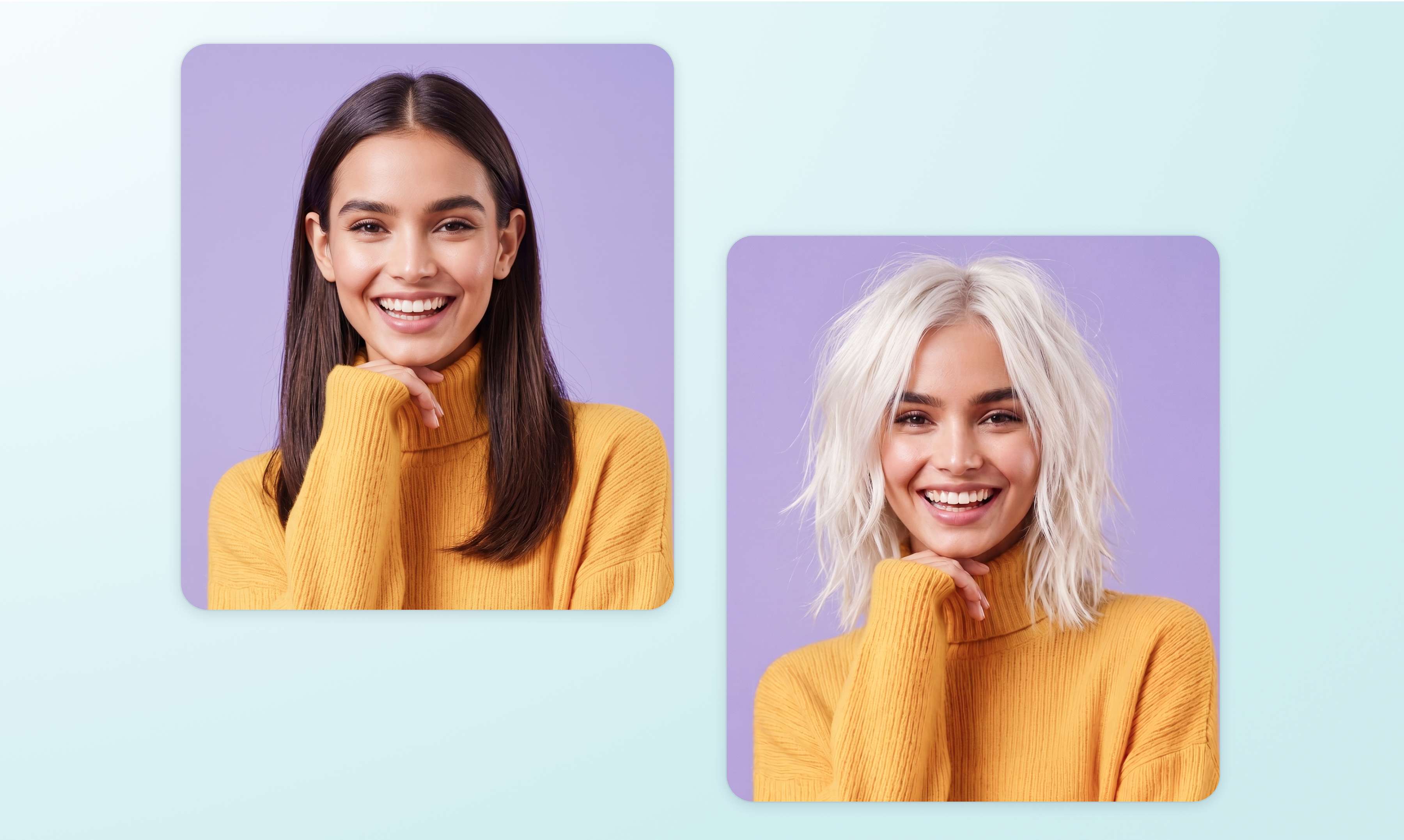
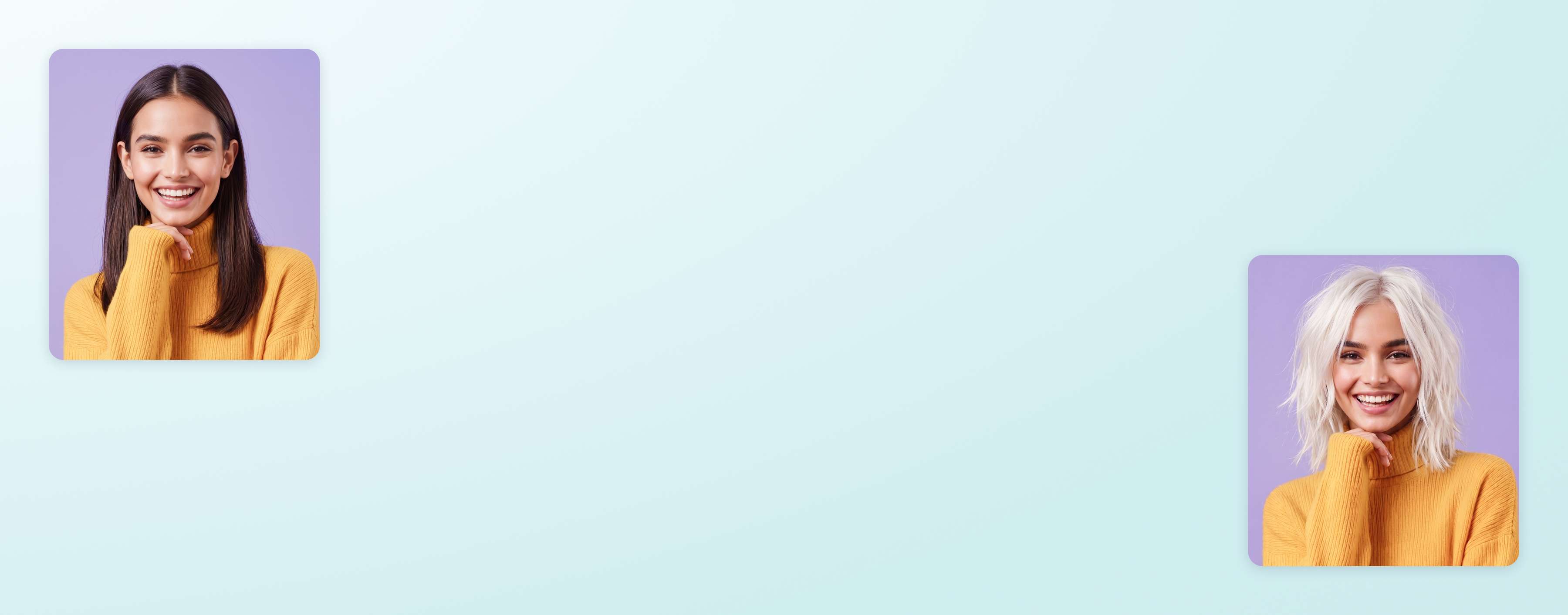
See how your next haircut looks before making the chop. Upload your image to Canva's AI hairstyle changer, pick a hairstyle or type your specific look, and get an instant preview of the cut or color you wanna see on yourself.
Learn about Canva’s upload formats and requirements. See how we use your content in our Privacy Policy.

Glam up with the AI hairstyle changer
Drop in a clear selfie and pick your next look. Want curtain bangs, a copper bob, or platinum highlights? Easy! Canva instantly generates a realistic preview of the hairstyle. So before you book the salon, run your ideas by our AI haircut tool until you find the perfect one.

From preview to post, in one place
Don’t stop with an AI hair changer tool that only hands you a preview. In Canva, you can go further with your photo: drop it into a before-and-after template, change its background to see your hairstyle in different settings, build a salon consultation card, or even resize it for your socials.

More AI magic for your photos

Fix flyaways in an instant
Brush over photobombers or background clutter. Magic Eraser makes distractions vanish, so nothing steals focus from the new you.

Restyle more than just hair
Swap your top's color, add earrings, or try on makeup with only a text prompt in Magic Edit.

Turn the look into motion with Image to Video
Give the winning hairstyle a hair-flip moment: transform your still into a scroll-stopping clip to see how your hair looks as you move.

Safe and secure styling with AI
Trying on a new look should feel fun, never risky. We've built a multi-layered set of safeguards into Canva's AI tools to keep AI-generated content safe and appropriate across a range of categories. We encourage everyone using the AI hairstyle changer to 'be a good human' and experiment with their own photos in an ethical, responsible way. We won't tolerate any use that violates our Terms and Acceptable Use Policy.
The AI Hairstyle Changer for everyone
For the style curious
Preview an AI hairstyle online free from salon pressure: test a pixie cut or a new hair color on your own photo first.
For salon pros
Show clients realistic previews of a cut or color on their own photo, and run consultations on pictures without guesswork.
For beauty creators
Turn AI hairstyle experiments into before-and-after posts, tutorials, and thumbnails your followers will actually stop for.
All the features you need
Canva's free drag-and-drop design tools make it easy to create any design, fast!

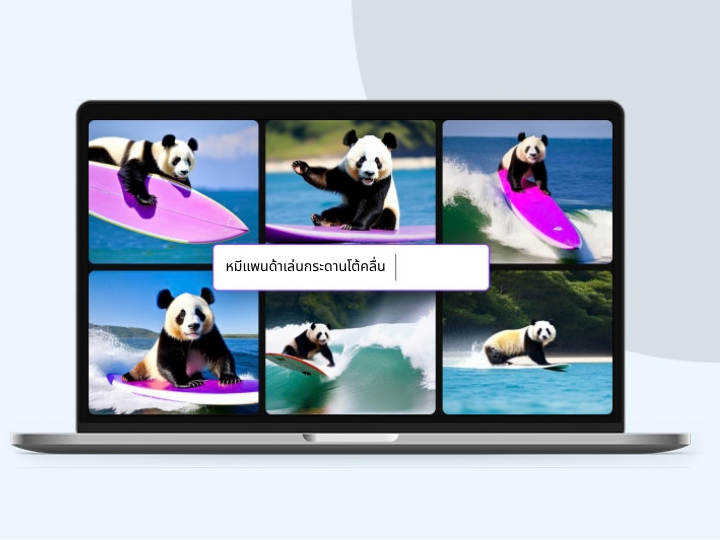
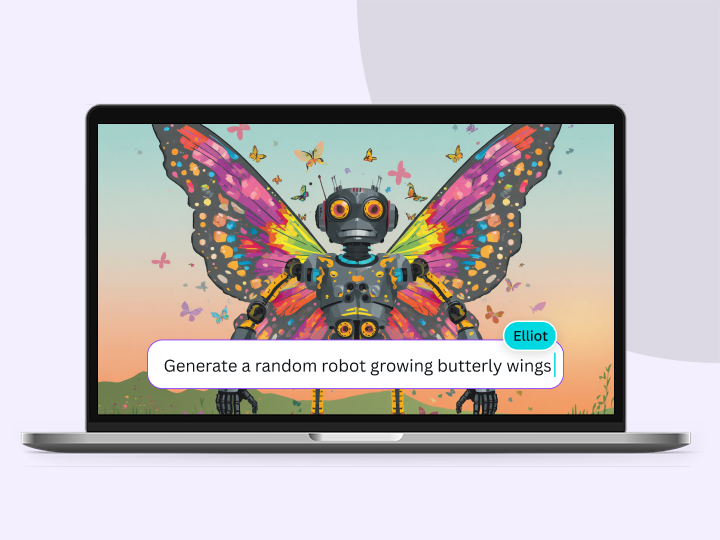
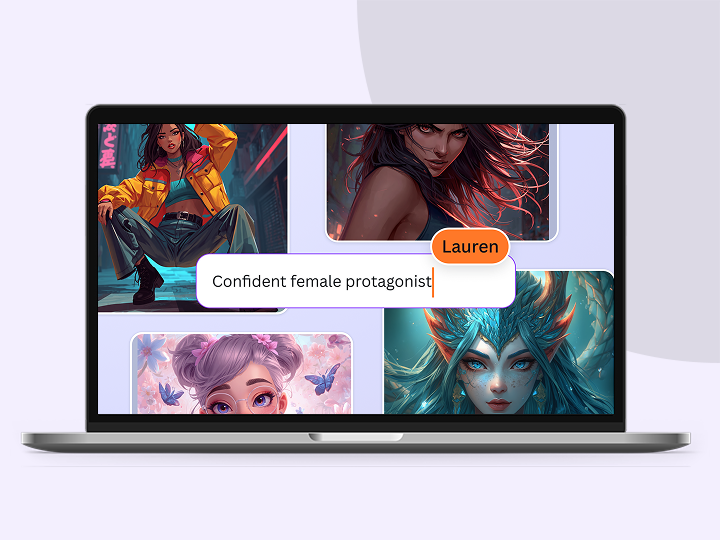
Generate images from text
Create AI images that visualize a product or idea, draft a creative concept, or push the limits of what's possible.

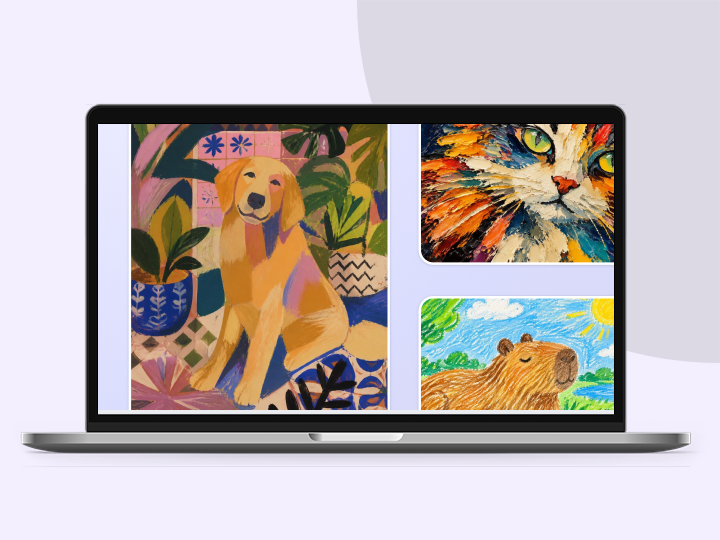
Various art styles available
Render your AI-generated images in stunning art styles like Watercolor, Filmic, Neon, Color Pencil, Retrowave, and more.
Magic Edit
Want to change the color or texture of an object? Or swap the background for something else? Magic Edit lets you add to, replace, or edit your image with a short written prompt.

Magic Eraser
Instantly clean up your image and remove any unwanted distractions with Magic Eraser—no manual editing needed.

Enhance your images
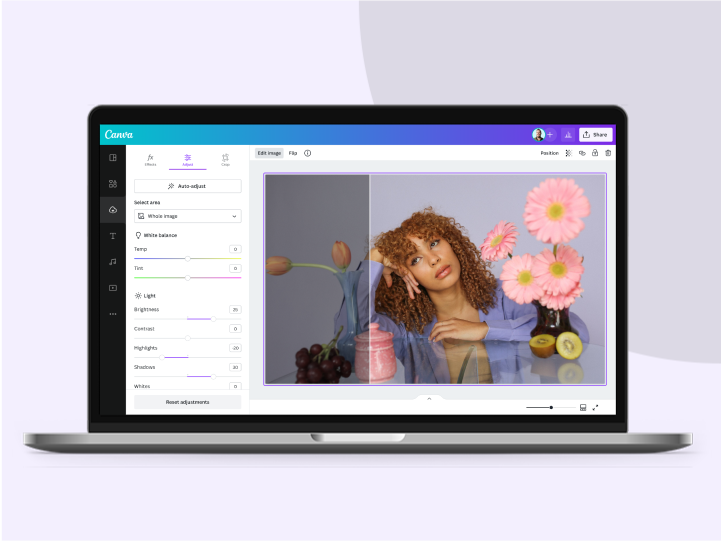
Use Canva’s Photo Editor to fix your photo’s focus, lighting, and coloring with easy-to-use sliders.

Photo effects & filters
Choose from our selection of adjustable color filters and fun photo effects to remix your photo.
Add Text to Photo
Easily add text to your photo or image to tell a story. Font combinations, colors, and styles available.

One-click background remover
Remove image backgrounds, perfect for product photos, headshots, or transparent PNGs.
Automatically translate your design
With Translate, quickly change the language of your existing design to as many as 100+ languages.

Millions of free images, icons, and graphics
Get access to our entire library of millions of photos, icons, graphics, media elements, audio, sound effects, and more.

Access anywhere and autosave
Jump from device to desktop—design how you work best! Canva autosaves your progress along the way.
Easy sharing and exporting tools
Share and export designs as a JPG, PNG, PDF, and PPTX. And when you embed a doc, you can customize which page will be displayed.

Cloud storage
Get free 5GB storage or upgrade to Canva Pro and get unlimited folders with up to 1TB storage for all your designs.

Real-time collaboration
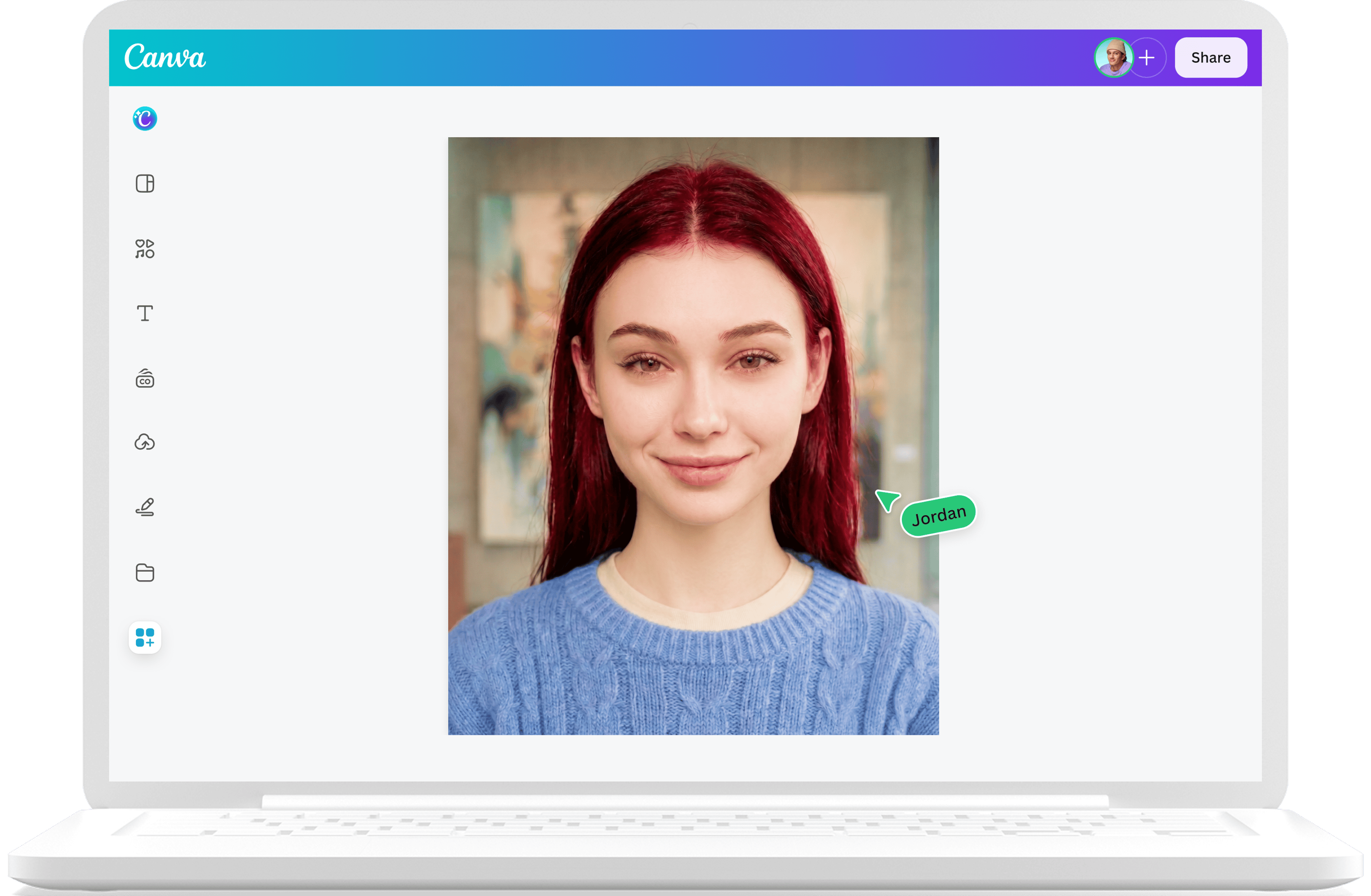
Create, collaborate, comment on designs, and get everyone on the same page, at the same time, from anywhere.

Content planner (Pro)
Create and schedule content to your favorite social media accounts directly from Canva.
How to use the AI hairstyle changer
Upload a clear photo
Open Canva, then upload a front-facing photo and drop it into the AI hairstyle changer tool.Select your dream hair
Choose the look you’d like to see from our pre-made styles.Generate your new look
Watch as the AI generates a preview built on your actual photo.Refine until it feels right
Not quite it? Tweak the prompt and regenerate. Compare a few versions until you find your style.Finish your look
Download the image, open it in the Canva editor to use in a design, or save it to your Canva uploads for later.
Your questions, answered
An AI hairstyle changer is an AI photo editing tool that shows you a new cut or color on your own face. It should help you feel more confident in getting your new hairstyle: instead of gambling at the salon, you can test the bob, bangs, or the bleach first, then walk in with a reference photo for your stylist.
More resources

Transform images with an AI photo editor
Make complex edits simple and remove backgrounds in a click.

Apply AI-powered artistic filters to any photo online.

Turn snaps to professional photos with AI
Transform selfies into headshots with an AI headshot generator.
AI Hairstyle Changer
See how your next haircut looks before making the chop. Upload your image to Canva's AI hairstyle changer, pick a hairstyle or type your specific look, and get an instant preview of the cut or color you wanna see on yourself.